
Mixed layouts
Arrange several distinct transfers on one working layout, then separate them for individual placements.
Apparel transfer planning
Organize several distinct heat-transfer designs in one considered layout, then separate and place each transfer where it belongs. Careful sizing, spacing, sorting, and testing turn a crowded sheet into a workable apparel plan.
Built for mixed artwork layouts, apparel decoration planning, and test or small-run workflows.
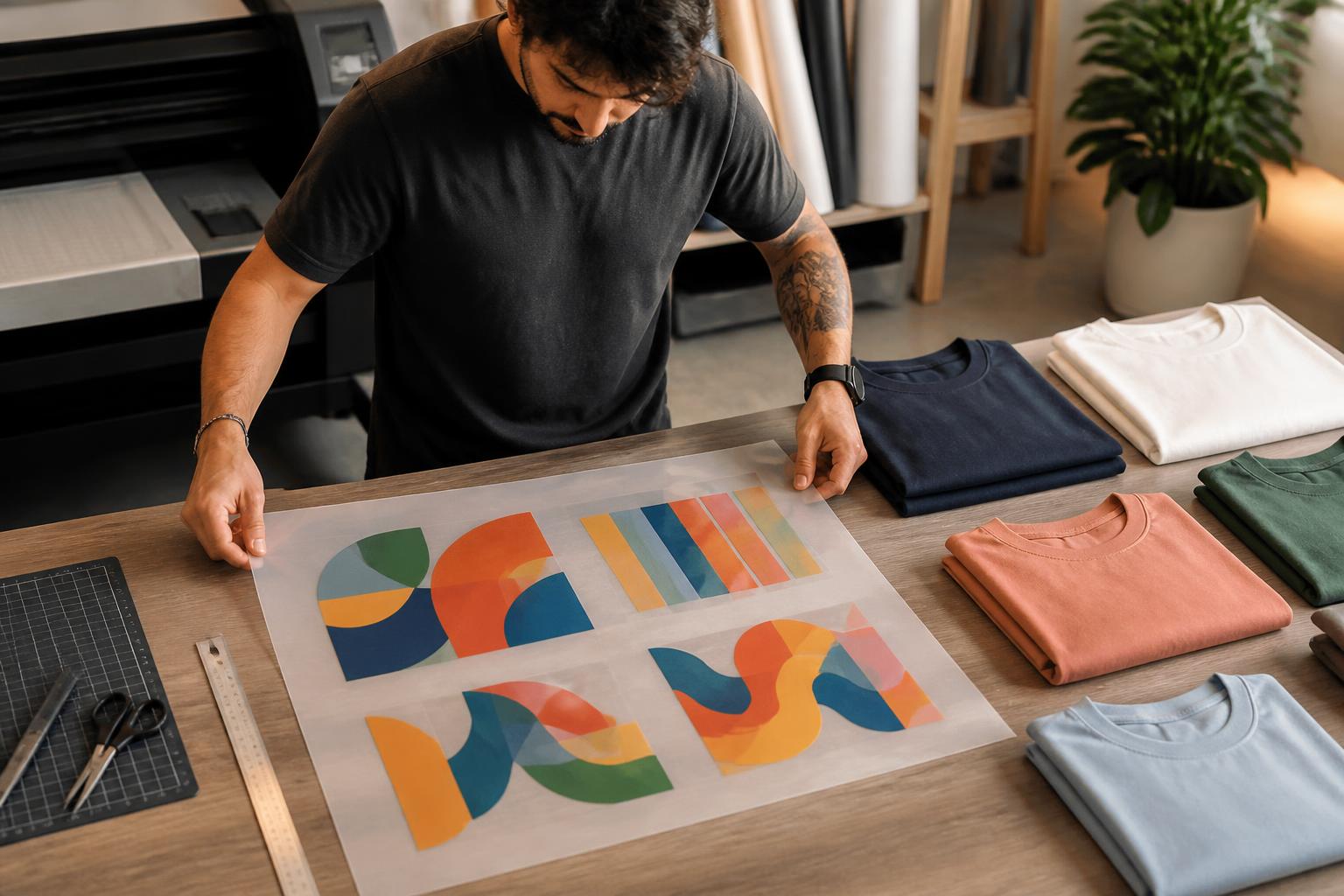
Arrange several distinct transfers on one working layout, then separate them for individual placements.
Plan chest, back, sleeve, and other intended positions at their actual finished dimensions.
Keep sizes, color versions, names, and related pieces identifiable before trimming and sorting.
Evaluate unfamiliar garments, artwork details, and application steps before repeating the work.
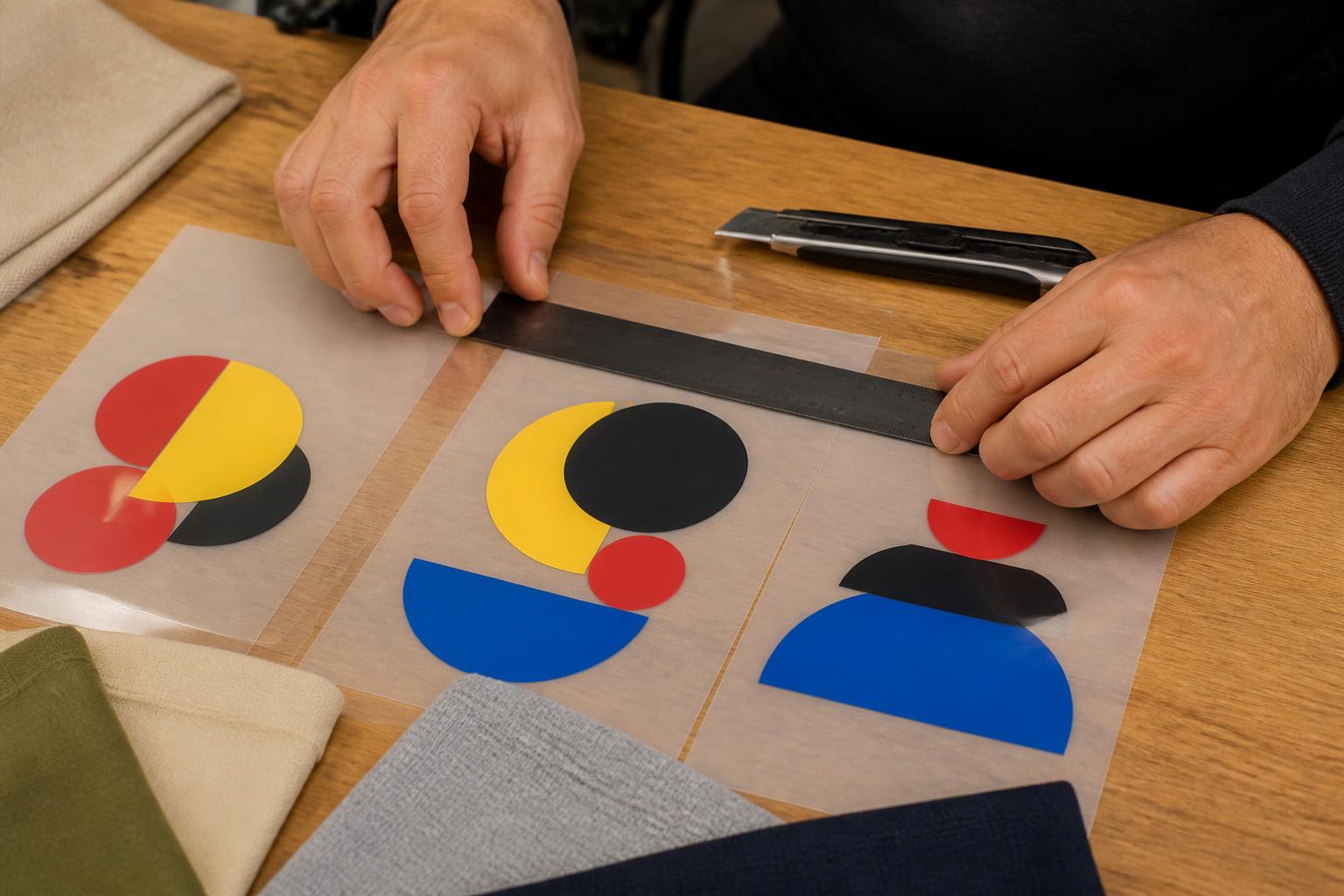
Artwork first
Begin with the garment and intended placement. A chest mark, sleeve design, and full-back graphic need separate final dimensions even when they share artwork. Size raster files at their final output dimensions and inspect resolution at that size; roughly 300 DPI is a useful preparation target where applicable. Vector artwork scales more freely, but any embedded raster image still needs enough detail.
Use transparent backgrounds and check that no accidental white box remains. Keep thin strokes, tiny type, soft edges, and low-contrast details readable at their intended scale. Leave practical room between designs for trimming, keep important artwork away from the edge, and never overlap transfers simply to fill empty film.
A consolidated layout may be worth considering when different designs, names, or size variants need to be prepared together.
An individual transfer may require less layout and sorting. Compare the workflows below before deciding.
Test the exact fabric and follow the instructions supplied with the selected product and order before repeating the process.
The useful choice depends on artwork, quantity, garment, equipment, and how much preparation and handling the project can support. This is a workflow comparison, not a promise that every process is offered.
| Option | Best fit | Main advantage | Planning consideration |
|---|---|---|---|
| DTF gang sheets | Several designs or repeated small runs | Combines different transfers in one planned layout | Requires trimming, sorting, and pressing each transfer |
| Individual DTF transfers | One design, one placement, or a simple one-off | Minimal layout work and straightforward handling | Offers less opportunity to consolidate different artwork |
| Screen printing | Larger runs with stable artwork and limited colors | Supports repeat production with a familiar ink feel | Setup is less convenient for many unique designs or full-color changes |
| DTG printing | Detailed full-color artwork printed directly to a garment | Avoids a separate film-cutting step | Garment, pretreatment, and color requirements can be more restrictive |
| Sublimation | Compatible polyester goods designed for sublimation | Dye becomes part of a suitable polyester material | Generally not suited to cotton or dark garments without another system |
Keep editable masters, size every design for its intended placement, use transparent backgrounds, and inspect fine detail closely. PNG can suit transparent raster art; vector formats can suit clean shapes and lettering.
Group related pieces, identify variants, leave usable gaps, and keep artwork clear of trim edges. Several designs may share a sheet, but each transfer still needs to be cut, sorted, and positioned.
DTF is an apparel-transfer process; UV DTF is a different hard-surface process. Fabric coatings, texture, stretch, dye migration, and heat sensitivity can affect results, so test unfamiliar garments.
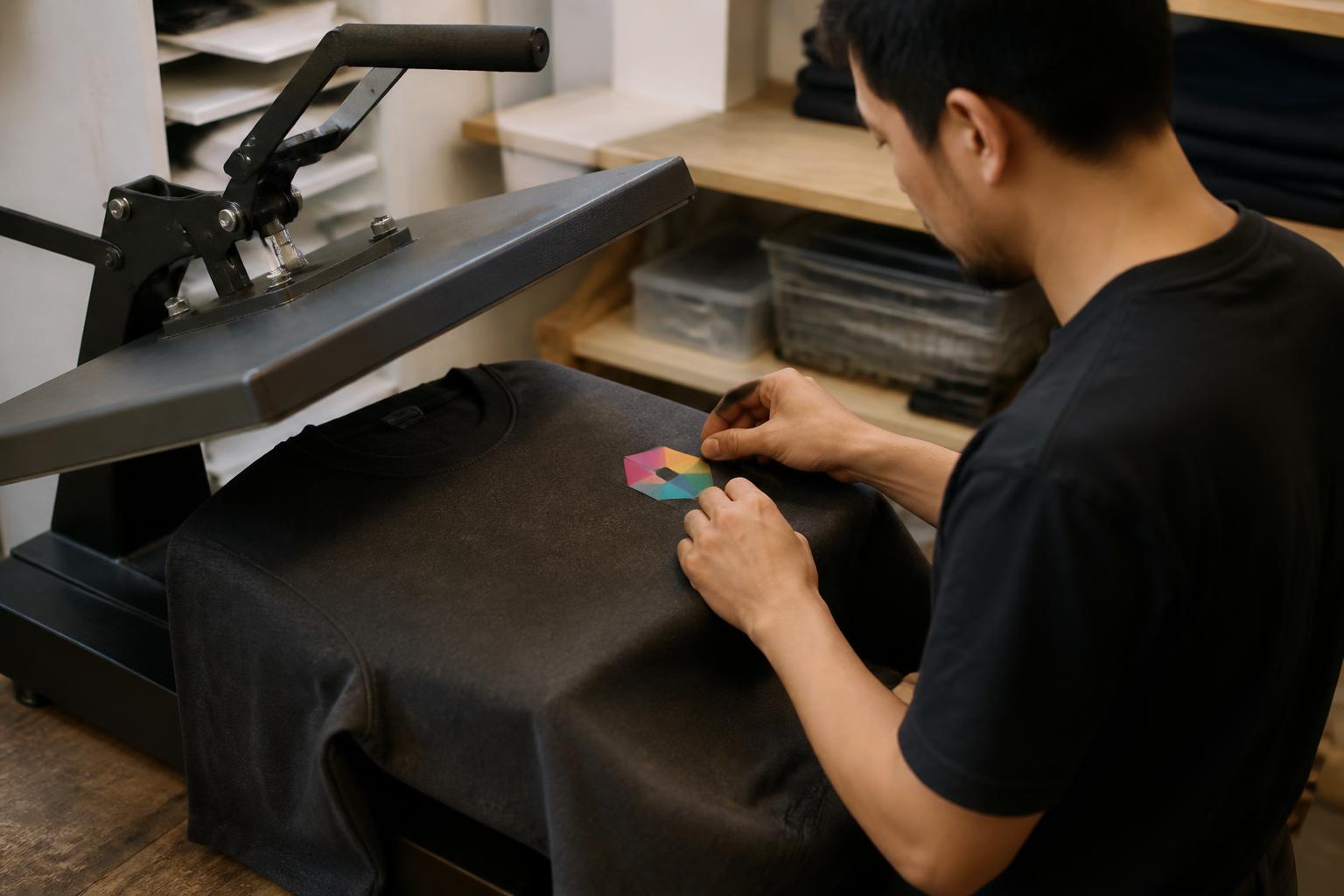
Start with a clean, dry surface and consistent equipment. Press temperature, pressure, dwell time, peel method, finishing steps, and care must follow the actual selected-product and order instructions.
Filling every gap with tiny artwork can produce pieces that are hard to cut or position. Enlarging a low-resolution file does not restore detail. Other avoidable problems include unwanted backgrounds, unlabeled variants, artwork placed over seams or thick pockets, trapped moisture, uneven pressure, and peeling at the wrong stage. Do not mirror by habit; follow the actual production instructions. Test when garment brand, fabric blend, color, or equipment changes.
Practical workflow
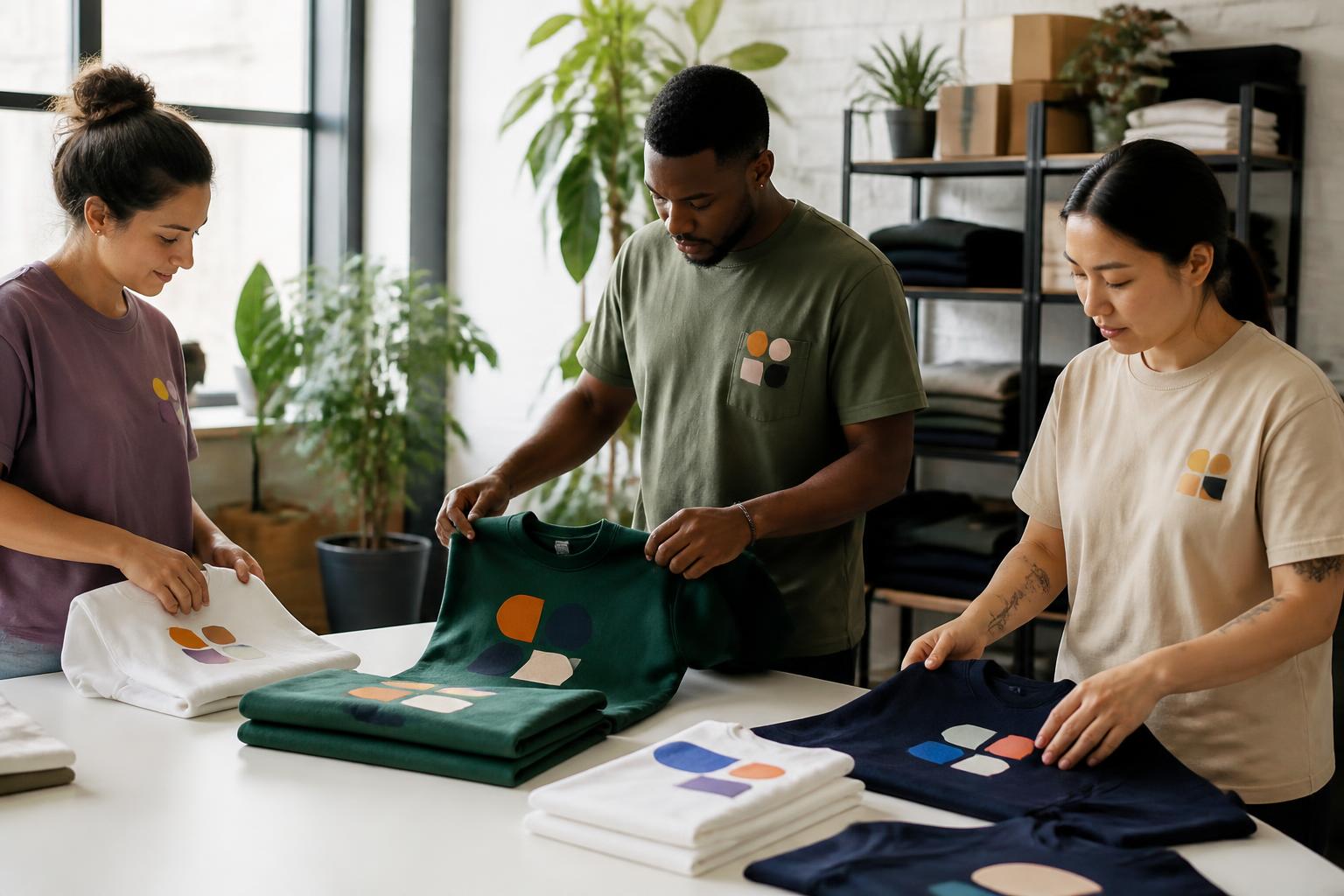
Keep related pieces together from layout through application. Sort transfers by garment, placement, size, and variant before the press is hot. Position and test one unfamiliar combination first, then use the same preparation approach across the set. Consistent care guidance helps the finished garments remain a coordinated group.
It means several separate DTF transfers are arranged on one larger sheet of film. You cut the pieces apart after receiving the sheet and press them individually onto garments.
Yes. A gang sheet can contain different logos, artwork, names, sizes, and color versions. Grouping related pieces together can make sorting and production easier, but the designs do not need to share a theme.
There is no universal count. The result depends on the available sheet area, each design’s final dimensions and shape, and the practical cutting space left around it. Use the configuration shown for the selected product when planning the final layout.
A gang sheet is a combined layout, so its individual transfers generally need to be separated before pressing. Use a clean cutting tool and leave a practical margin around each printed image.
Transparent PNG is a common choice for raster artwork, while vector files can suit clean shapes and lettering. Whatever the format, artwork should be correctly sized, free of unwanted backgrounds, and prepared for the actual order workflow.
Do not mirror artwork automatically. Orientation depends on the production and carrier system. Follow the file and application instructions supplied with the selected product and order.
Some DTF processes may suit polyester and blends, but heat-sensitive fabrics and dark polyester can require special care. Test the exact garment and follow the supplied instructions before a larger run.
An iron may not provide the even temperature, pressure, or coverage needed for consistent adhesion, especially on larger designs. A heat press is generally the more repeatable tool for apparel production.
Possible causes include uneven pressure, incorrect heat or dwell time, moisture or lint, an unsuitable garment surface, or peeling at the wrong stage. Recheck preparation and the actual application instructions before changing settings.
Follow the care guidance supplied with the transfer and garment. General care often favors washing inside out with mild detergent, avoiding direct ironing over the decoration, and limiting harsh heat or mechanical action.
Return to the product overview with your placements, final sizes, variants, and test garment in mind, then use the order path available for this product when you are ready.
Review the DTF Gang Sheets overview